Participant 0101 / 06

RetireeLate 80s
“Everywhere is full of scammers these days.”
What I heard
For some people, trust became a barrier before usability even mattered.
I tested a simple NFC shortcut with people aged 20s to 80s, and found the real barrier wasn’t the number of taps.
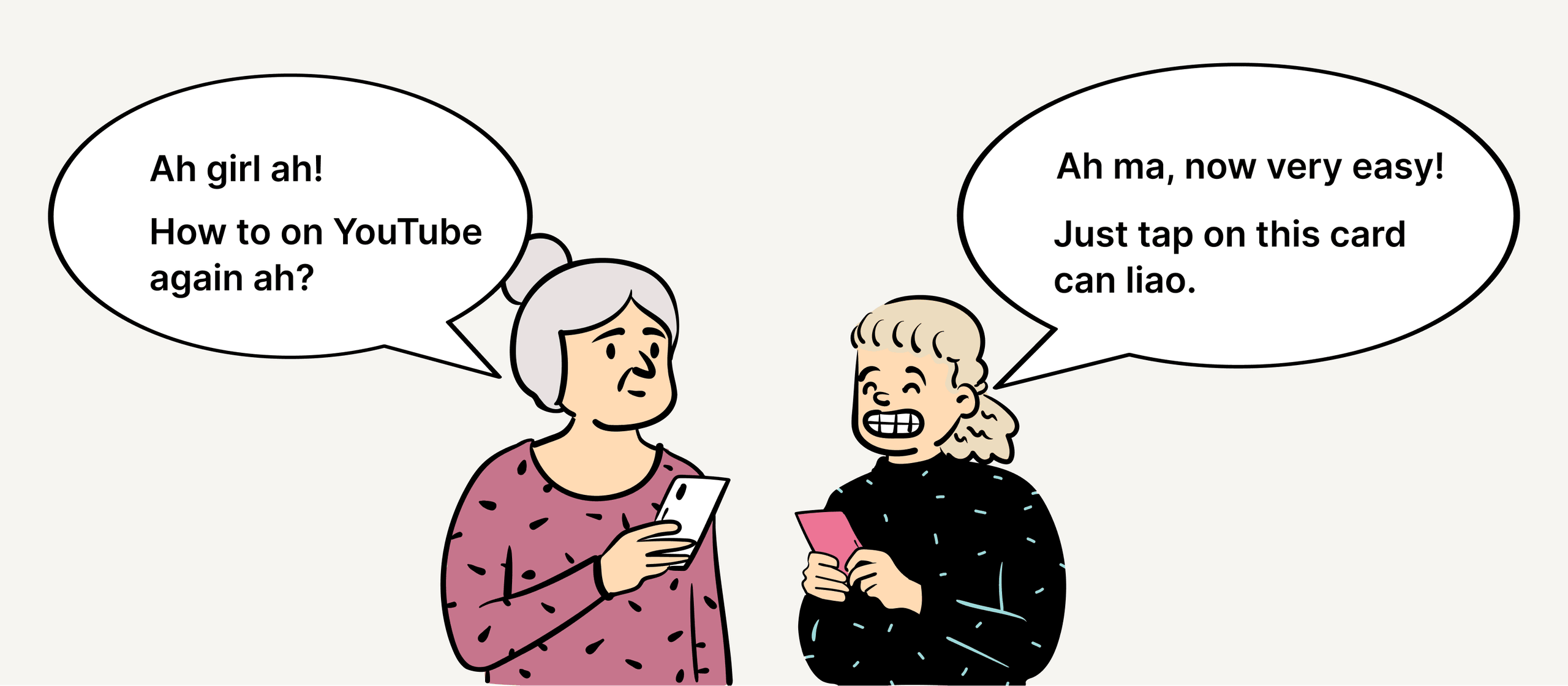
Simple smartphone tasks were often challenging for the older adults in my family. Not because the tasks themselves were complicated, but because getting to them involved remembering a sequence of steps: finding the right app, navigating menus, searching, and knowing what to tap next.
I kept wondering whether some of that interaction could simply disappear.
Instead of asking someone to remember how to navigate a smartphone every time, could a familiar physical object take them directly to the thing they wanted?
That led to a simple experiment:
Instead, I programmed inexpensive NFC stickers to open predefined digital destinations with a tap.
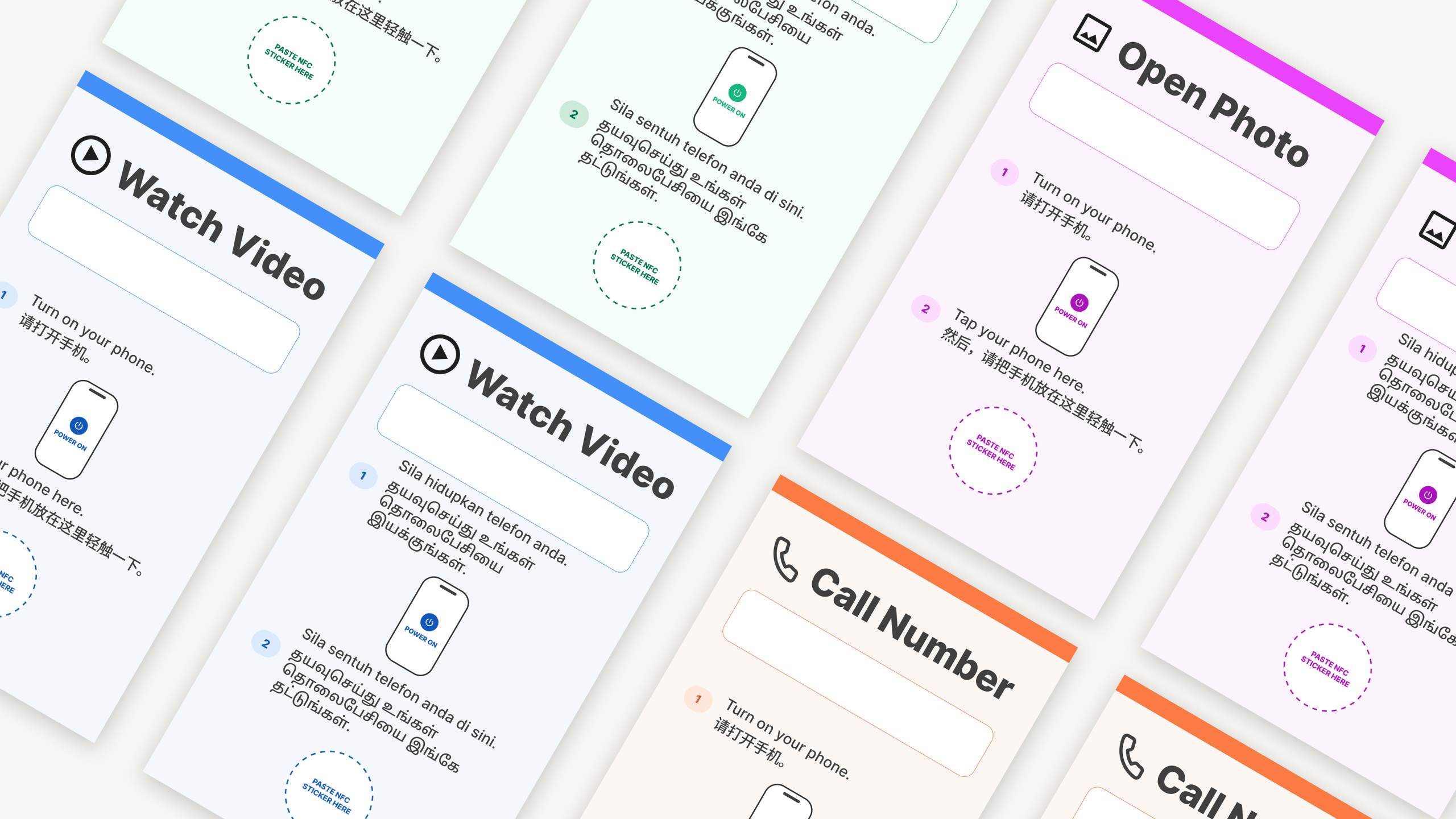
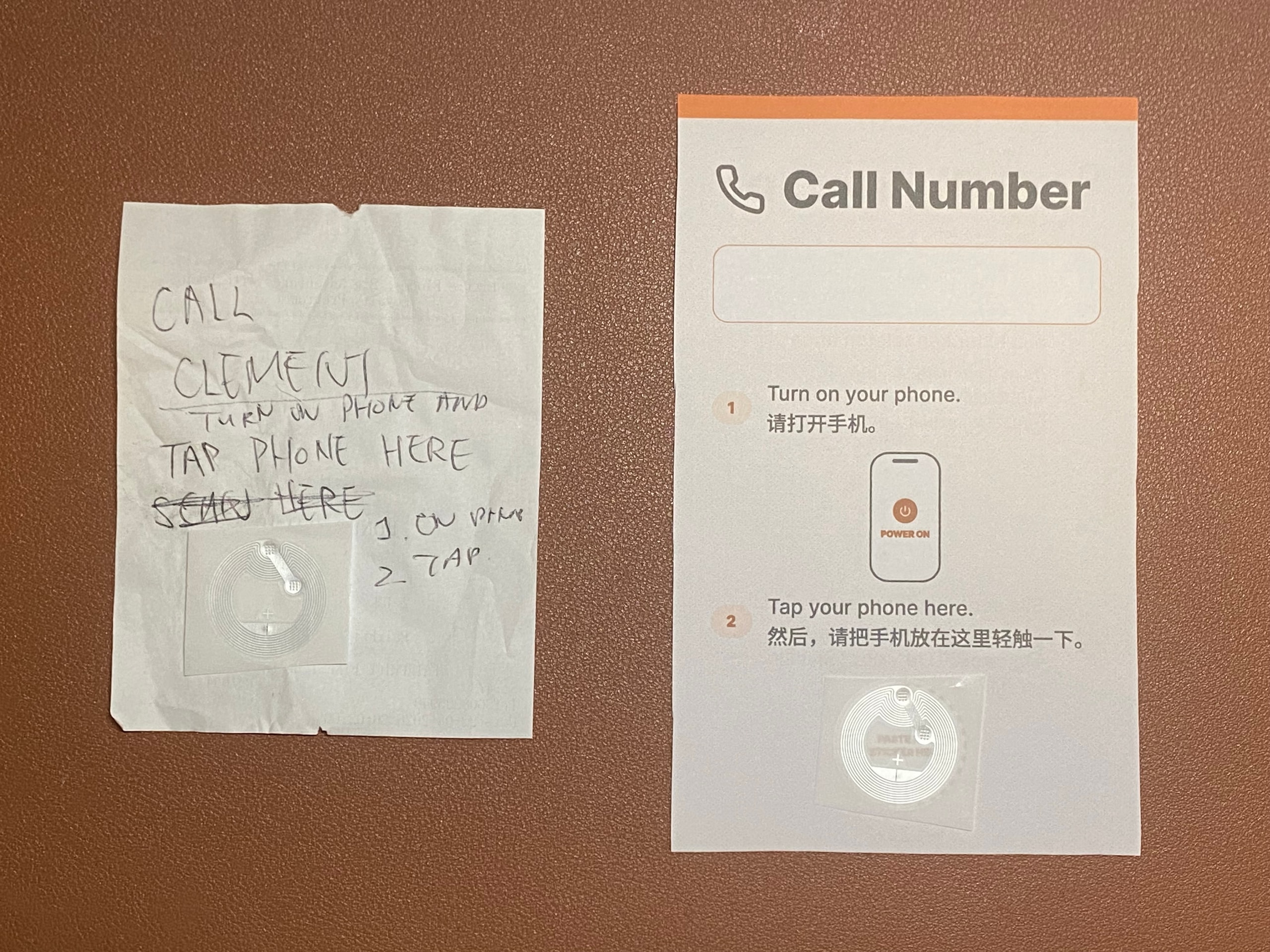
Each card had a cheap NFC sticker linked to an iPhone Shortcut, so a tap could open something like a video.
The idea was deliberately simple: each physical card could act like a shortcut to something familiar, for example a favourite YouTube video or another repeated digital task.
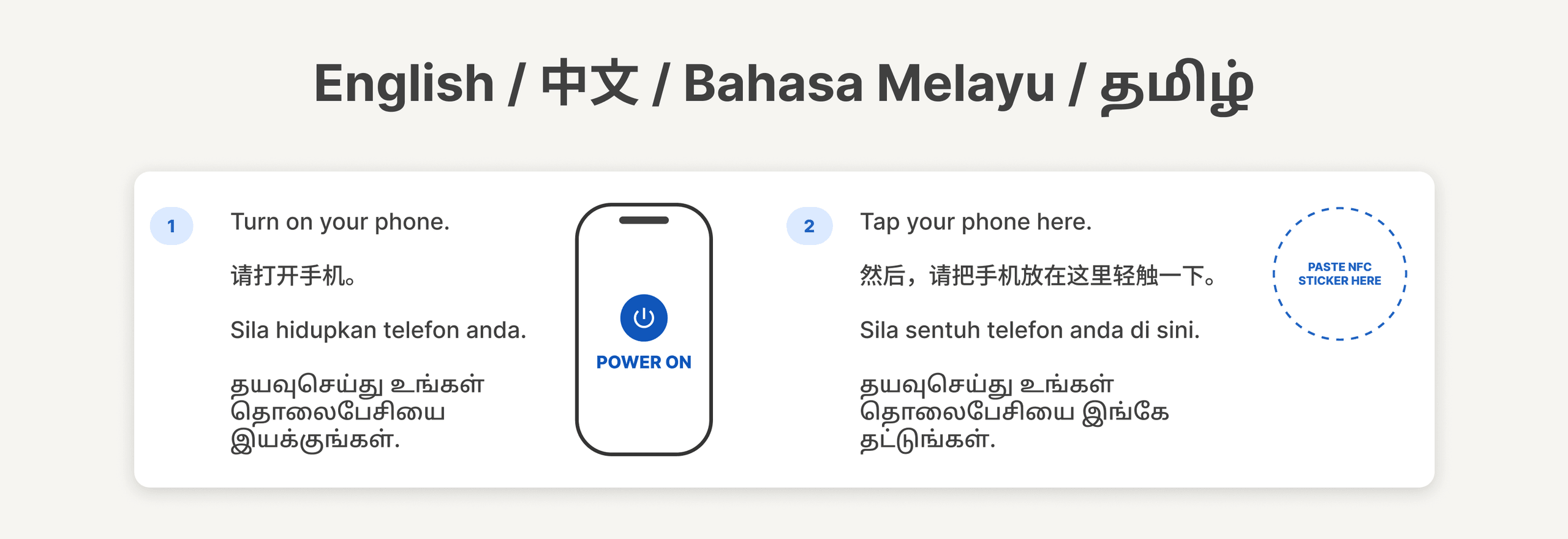
I also printed simple instructions directly on the cards and experimented with multilingual guidance so the interaction did not depend entirely on English.
The prototype was intentionally rough.
I wanted just enough to put the idea in front of real people and see how they reacted.
The conversations were informal: I showed them how the card worked, invited them to try it where appropriate, and asked about how they currently use technology or help family members use it.





What people said turned out to be much more useful than whether they could technically tap the card.
For some people, trust became a barrier before usability even mattered.
For some older adults, the challenge started much earlier than navigating an interface.
The person struggling with the task was not the only person affected by it.
The value was in tasks people repeat often, not in one-off ones.
Some people saw uses that had more to do with memory than age.
A physical shortcut could help people who can’t rely on written instructions.
The conversations showed me that the barriers started much earlier.
One comment stayed with me:
“Why are you asking us old people? We are useless with technology.”
Reducing the number of taps might make something objectively simpler.
But that did not automatically make someone feel comfortable using it.
To me, tapping a phone on a card felt almost frictionless.
But I was also a stranger approaching older adults with an unfamiliar piece of technology.
Some participants were hesitant before they had even tried the interaction.
That made me realise that the real barrier was not only:
“Can someone use this?”
It was also:
“Why should they trust it enough to try?”
The conversations with younger participants made this more interesting.
Many were already helping parents or grandparents with technology. They configured devices, translated instructions, searched for things and repeatedly showed family members what to do.
That suggested a different role for the NFC card.
Not as something a stranger introduces to an older adult.
But as something introduced by a person they already trust.
My prototype was based on the problems I had seen my own grandmother struggle with, but other families may be helping with completely different tasks.
That left me with a broader question:
Participants also raised possible applications beyond age alone, including:
These were not validated use cases, but they suggested the opportunity could extend beyond simply helping seniors use smartphones.
What I took away was simple:
Making an interaction easier is only part of the problem. Trust, familiarity and the people already providing support matter just as much.